Transform Your 3D Workflow with Tripo Studio: From Concept to Production
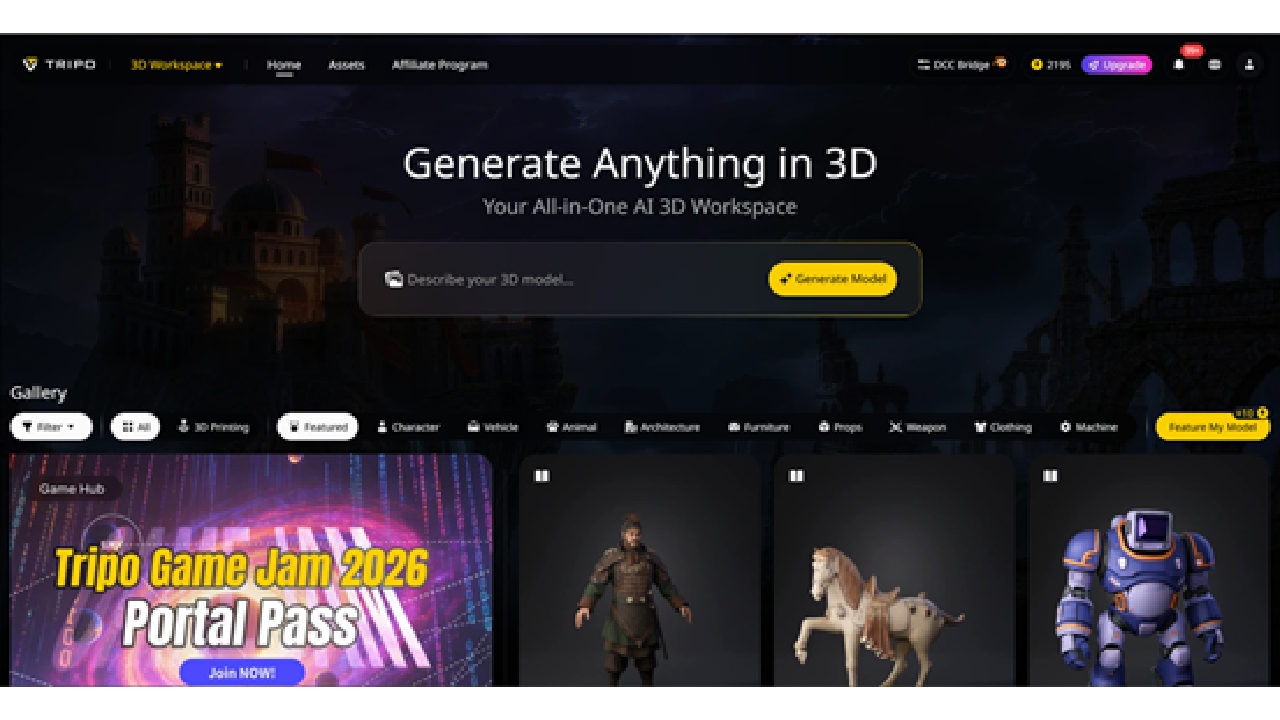
Creating high-quality 3D assets has traditionally been a time-consuming and technically demanding process. Even experienced artists spend hours refining geometry, optimizing topology, texturing, and rigging before a model is ready for production. Many promising concepts stall because the transition from initial idea to production-ready asset is fraught with inefficiencies.
Tripo Studio, a leading AI 3D model generator, addresses these challenges by combining AI-powered generation with workflow-focused tools. The platform empowers creators to produce structured, editable, and production-ready 3D models rapidly, whether for games, animation, visualization, or 3D printing.
Why Tripo Studio is a Game-Changer
Tripo Studio goes beyond simple model generation. It treats 3D creation as a complete pipeline, prioritizing clean structure, editability, and production readiness. The platform is built on a robust AI engine capable of delivering high-fidelity meshes, realistic PBR textures, and optimized topology in seconds.
Speed and scalability are at the core of Tripo Studio. Beginners can explore 3D modeling with a simple interface, while studios benefit from advanced features that support multi-view generation, batch processing, and high-volume production. This flexibility makes it accessible to hobbyists, freelancers, and professional teams alike.
Core AI Tools for Faster 3D Creation
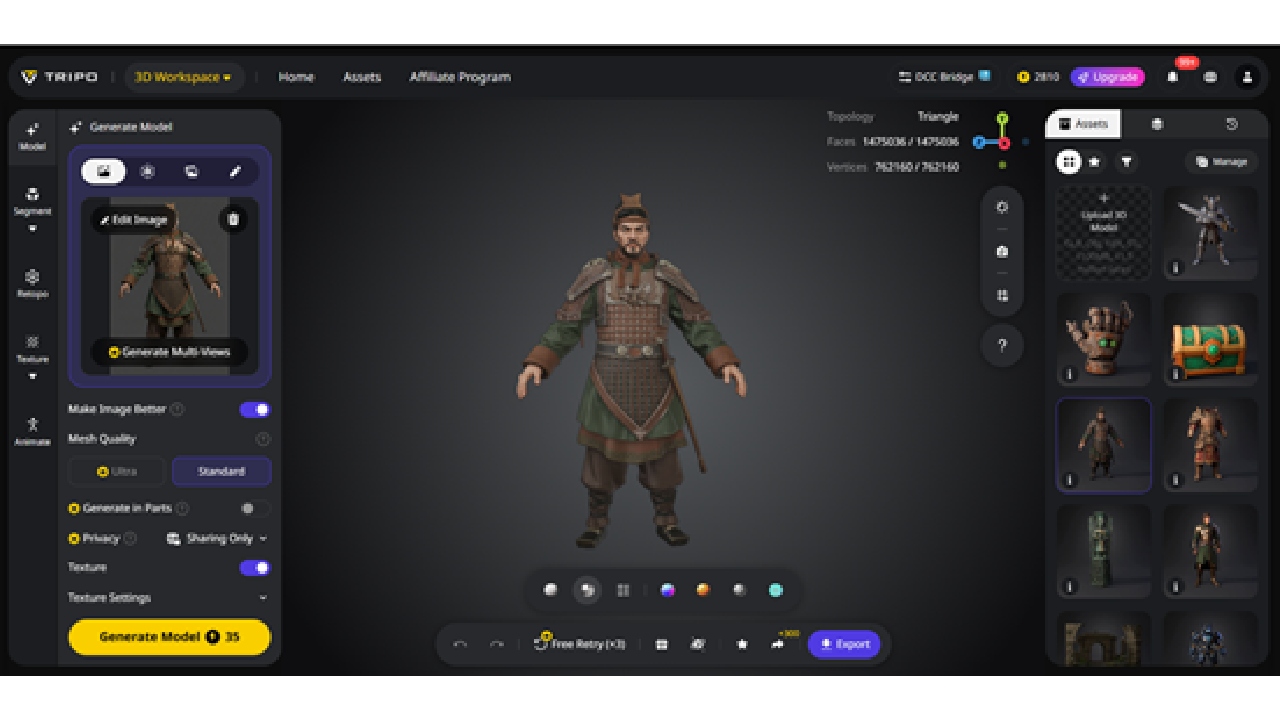
Tripo's Image to 3D Model feature converts 2D references into structured 3D models with practical geometry. Creators can upload single or multiple images to capture accurate proportions, surface details, and spatial relationships. Built-in tools like Nano Banana and ChatGPT-4o Image Generator refine images, remove noise, and enhance key features. For projects requiring visual consistency across multiple assets, Flux Kontext ensures cohesive style and scale.
This feature simplifies the 2D-to-3D process, reducing manual adjustments and enabling faster integration into production pipelines.
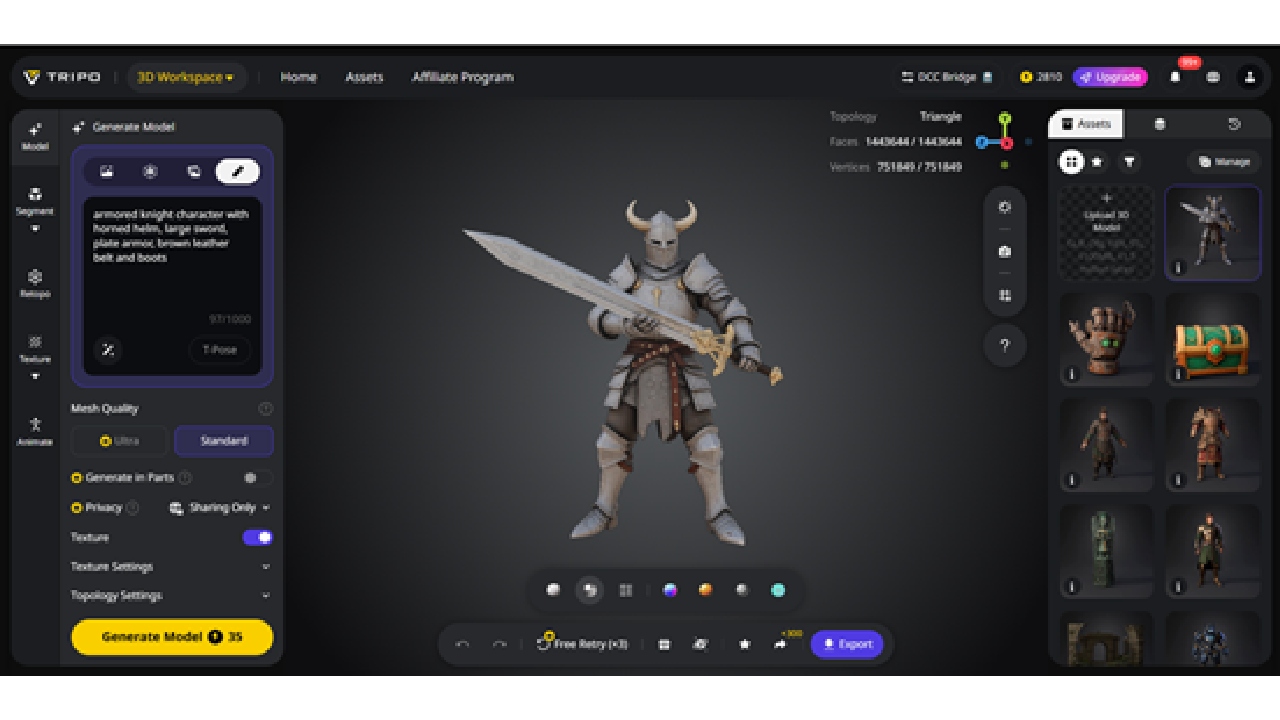
With the Text to 3D Model function, creators can generate structured 3D models directly from descriptions. By specifying shapes, materials, and visual characteristics, users can quickly produce a base mesh ready for refinement. Whether designing a futuristic drone, a character, or a scientific model, this feature accelerates ideation and supports iterative exploration without technical roadblocks.
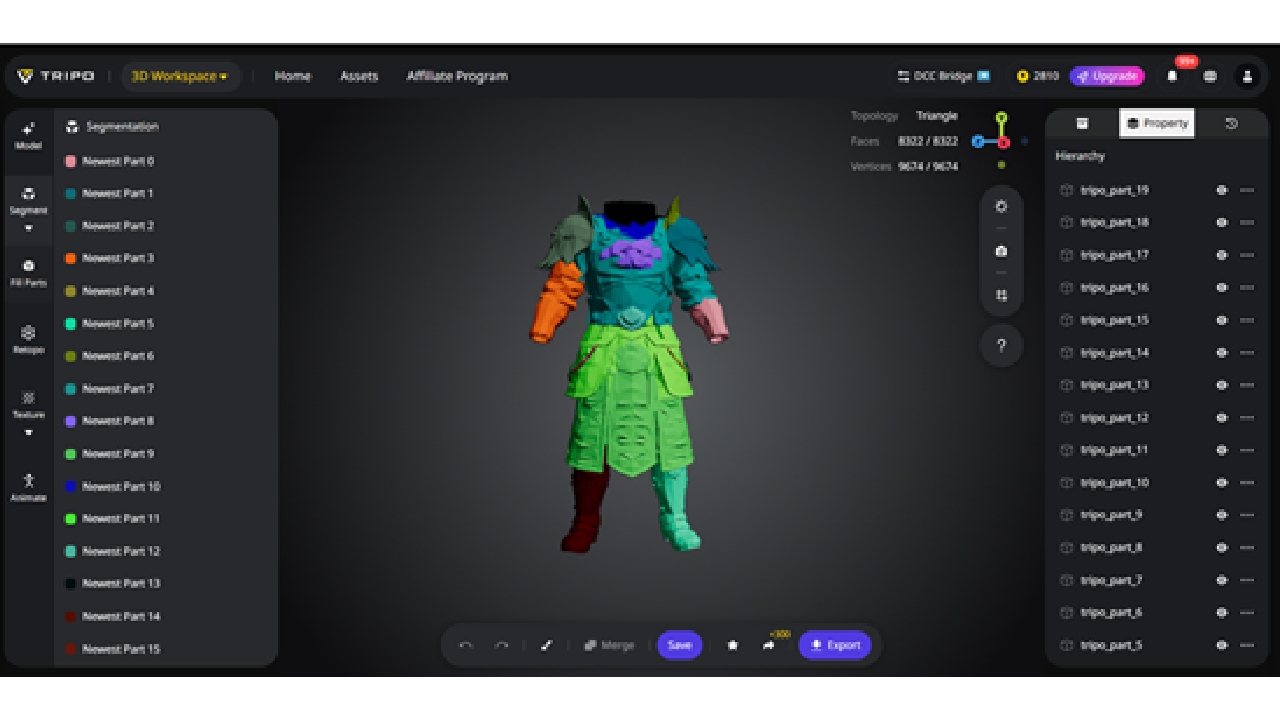
Tripo automatically divides complex models into logical, editable components. AI Model Segmentation enables independent manipulation of parts, facilitating targeted texturing, retopology, rigging, or modular reuse. This reduces manual separation work and improves workflow efficiency.
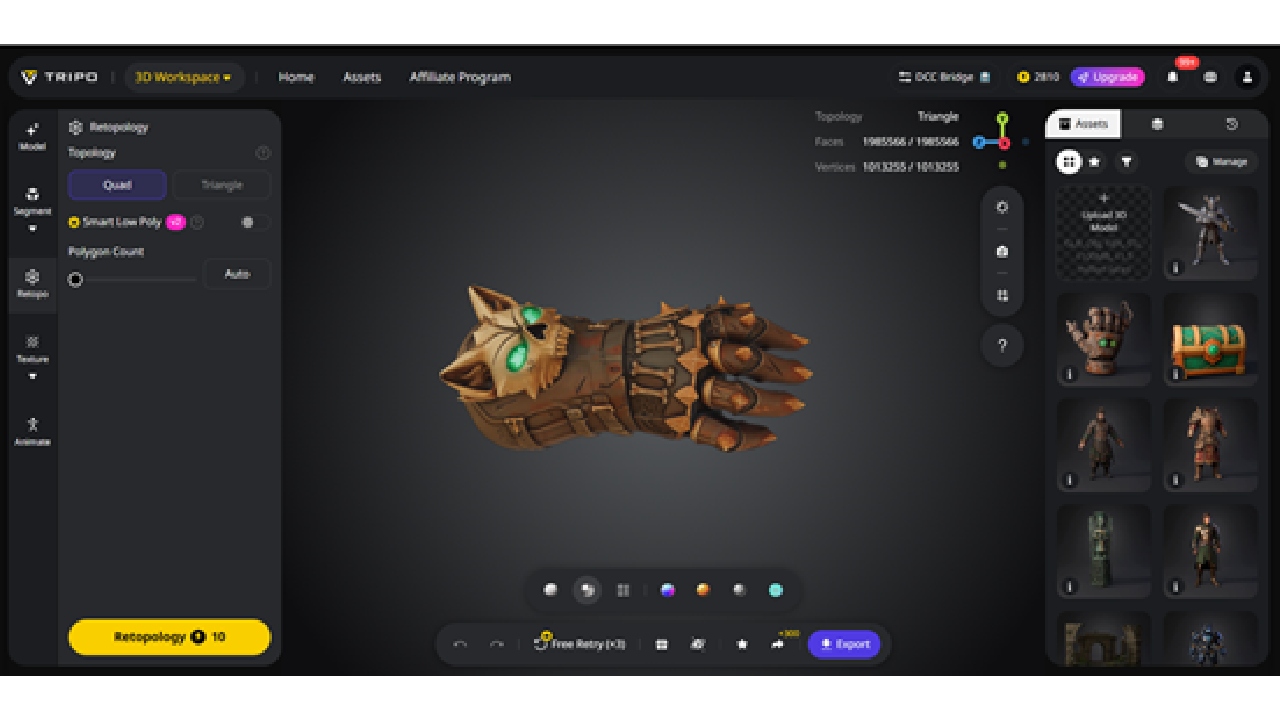
The Retopology tool generates clean, optimized meshes from existing models. Quad and triangle topology options balance editing flexibility, animation compatibility, and surface fidelity. Smart Low Poly modes simplify geometry while maintaining structure, ensuring models are suitable for real-time rendering or VR/AR applications.
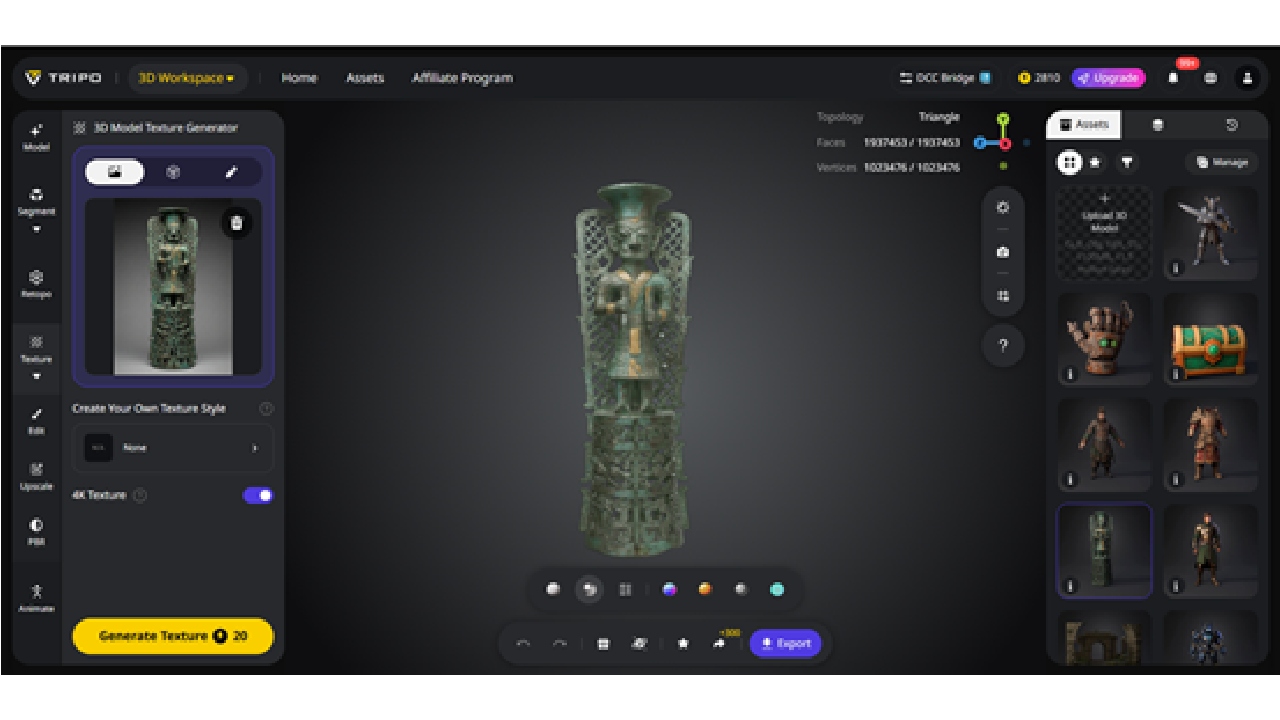
Tripo's AI Texturing system produces production-ready PBR materials from text prompts or reference images. Features like Magic Brush allow localized adjustments, including highlights, wear, or stylized effects, while Ultra HD outputs preserve fine details. Generated textures are compatible with industry-standard software, including Blender, Maya, Unity, and Unreal Engine.
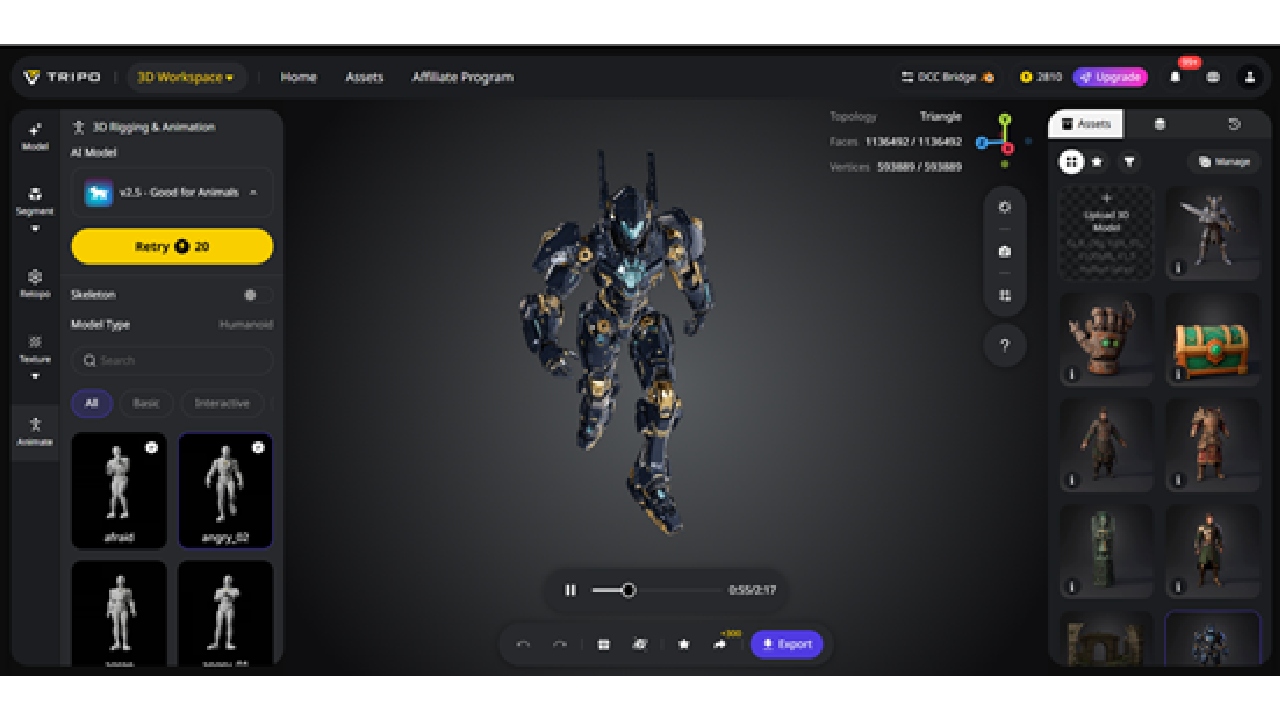
Static meshes can be quickly converted into animation-ready models with AI Auto Rigging. The system generates accurate skeletons and skin weights, enabling natural deformations. An integrated library of motion-capture-quality animations allows rapid testing and prototyping, turning static assets into fully animated 3D objects in minutes.
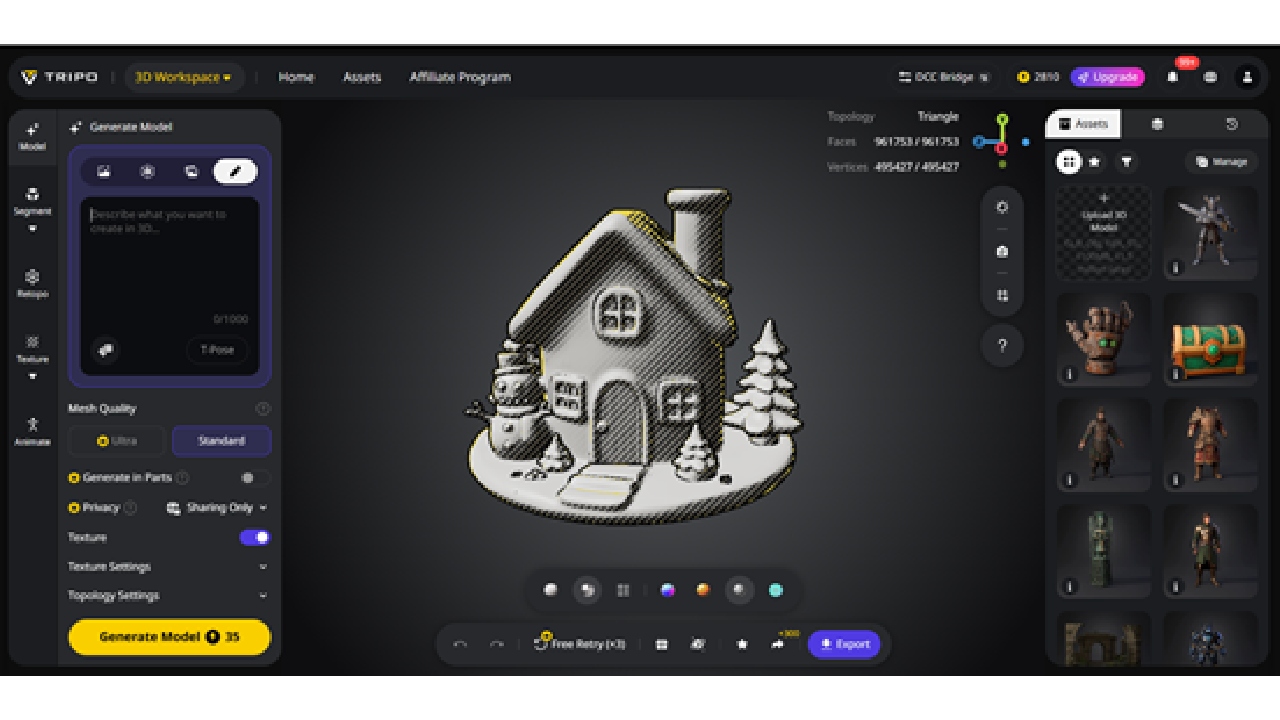
Tripo Studio supports multiple stylization modes, such as cartoon, sketch, or hologram styles. This feature allows teams to explore alternative visual directions without rebuilding meshes or textures, perfect for concept art, marketing visuals, or creative experimentation.
Tripo DCC Bridge for Blender: Streamlined Workflow
The Tripo DCC Bridge for Blender connects Tripo Studio directly with Blender, allowing creators to transfer models, textures, and animations in real time. This eliminates manual downloads or imports, while preserving UV layouts, pivot points, and geometry.
Installation is straightforward: download the bridge from Tripo Studio, enable it as a Blender add-on, and activate the connection via the DCC Bridge button on the website. Once connected, assets—including animations—can be exported directly into Blender with a single click. The bridge supports Windows and Mac, Blender 4.1+, and major browsers such as Chrome, Edge, and Opera.
Note: Only one Blender instance can be connected at a time. If connection issues occur after an update, simply restart Blender and reactivate the plugin.
The 3D model viewer allows creators to inspect and validate 3D models directly in the browser with adjustable lighting, camera angles, and material previews. The 3D model converter can seamlessly convert models between formats such as FBX, OBJ, USDZ, GLB, and 3MF. It ensures assets move smoothly across engines, DCC tools, and production pipelines without losing structure, textures, or pivot points.
By combining Tripo DCC Bridge for Blender with these web-based tools, this AI 3D model generator creates a fully connected ecosystem. Creators can generate, refine, view, and convert 3D assets without leaving the platform, reducing friction and iteration time while maintaining high production standards.
Tripo Studio accelerates 3D workflows across industries by automating repetitive technical tasks, allowing artists to focus on creativity:
- Game Development: Quickly generate props, characters, and environments with production-ready topology for real-time engines.
- 3D Printing: Create clean, watertight meshes suitable for prototyping and fabrication.
- Visual Effects and Animation: Produce foundational models ready for refinement, rigging, and animation.
- Product Design: Convert sketches or reference images into accurate 3D concepts for validation, marketing, or early-stage prototyping.
- Virtual Worlds & Metaverse: Populate large-scale environments with optimized assets for immersive experiences.
- Simulation & Training: Generate functional 3D assets for digital twins, simulations, and interactive training applications.
By integrating AI generation with practical workflow tools, Tripo ensures assets are structured, editable, and ready for real-world use, making it an indispensable AI 3D model generator for professionals.
Flexible Plans for Every Creator
Tripo Studio offers tiered plans to match different needs:
- Basic: Free credits for beginners exploring AI 3D model generation.
- Professional: Multi-view generation and higher concurrent task support for reliable output.
- Advanced: High-volume production with premium features for fast concept-to-asset workflows.
- Premium: Maximal access, priority support, and enhanced resource limits for power users and studios.
- Enterprise & API Access: Custom API integration and dedicated support for organizations. Teams can contact Tripo directly to integrate AI tools into their pipelines.
Referral programs allow creators to earn permanent free credits, further lowering the barrier to experimentation and iteration.
Tripo Studio redefines 3D creation as a unified, AI-driven workflow. From image to 3D and text to 3D, through segmentation, retopology, texturing, and auto-rigging, the platform supports the full lifecycle of 3D asset creation. Creators—from hobbyists to large studios—can move from concept to production-ready models efficiently, while maintaining artistic control.
By combining speed, precision, and usability, Tripo Studio is more than an AI 3D model generator—it's a gateway to faster, smarter, and more scalable 3D production.