Best tools to save Facebook live music and concerts as MP3 in 2026
Bands do this now instead of touring press: a phone on a stand, an hour and a half of playing, and the broadcast stays on the page afterwards as a replay. Small venues put whole nights up the same way. What almost nobody wants from that is the video — it is one fixed angle of a dark room, and the thing worth keeping is what the room sounded like. Six tools below, ordered by how directly they get you from a replay page to a file you can put on a playlist, and where each one starts costing you either quality or patience.
FvidGo
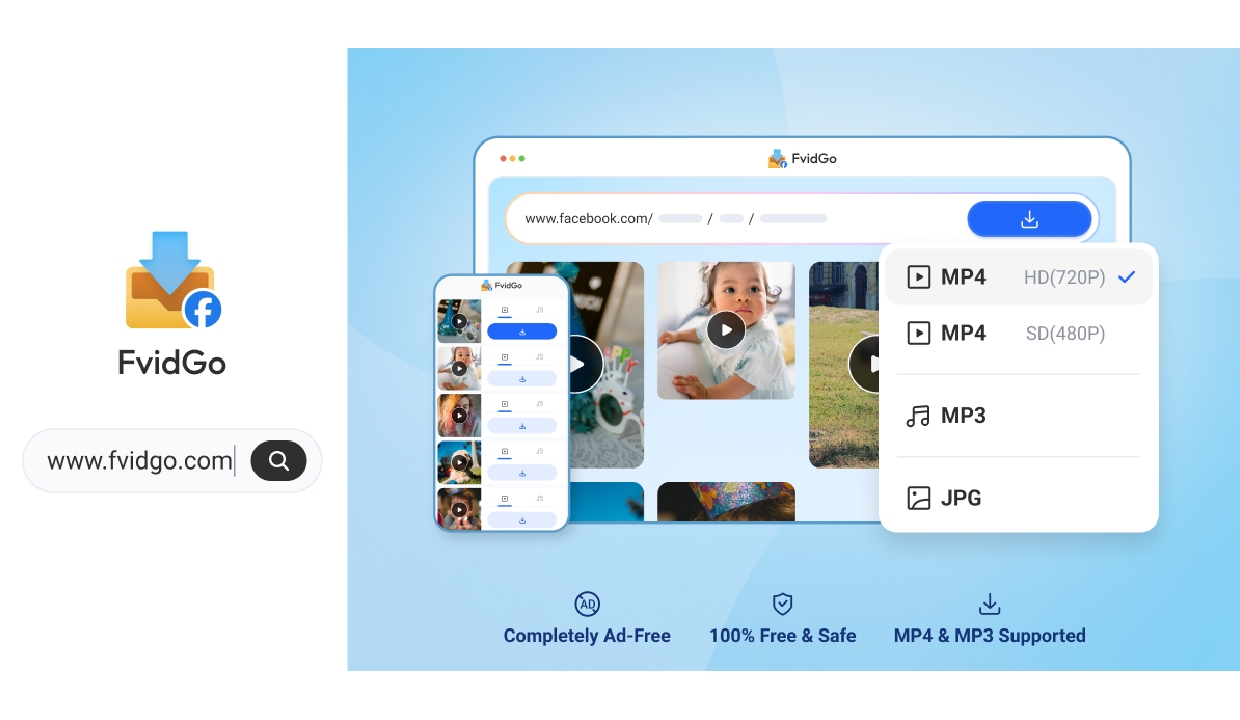 Audio comes out on its own, which is the difference between a two-minute job and a twenty-minute one. A ninety-minute set is a couple of gigabytes as video, and the usual route means pulling all of it down, running it through a converter, then deleting the original — three steps to reach something you could have had directly. Taking the sound by itself skips the whole detour, and on a phone it also skips the part where you discover there is not room for the video in the first place. Short clips a band posts as Reels work the same way, since the Facebook Reel downloader route pulls the sound out of those too.
Quality survives it, which matters more with live recordings than with anything else. A set recorded on a phone in a room with bad acoustics is already working with a compromised signal, and a second round of compression on top of that is what turns a rough recording into an unlistenable one. The audio here is pulled from the source rather than re-encoded from a file that has already been squeezed once, so what you keep is what was there. On a polished studio track you might not notice the difference; on a live one, you will. It is the one specification worth checking in any Facebook video downloader before you commit a whole evening to it.
Names are a real problem at this scale and nobody expects it. Save seven or eight songs across an evening and the files carry the titles of the posts they came from rather than a run of numbers, so the next morning you can tell which recording was the encore and which was the sound check. Anyone with a folder of tracks called video_01 through video_23 knows how quickly a collection becomes unusable — the audio is fine, but you would have to play all of them to find anything.
The last piece is what gets recognised in the first place. A live performance is not usually a tidy video post; it is a broadcast that ended and became a replay, sitting on a page in that in-between state, and coverage includes exactly that alongside Watch uploads and ordinary posts. So the address you paste is the replay page itself, which is the only address you actually have. A set streamed to a members-only group goes through the Facebook private video download route instead, on the usual condition that you can already see it yourself.
Snapsave.io
A web tool with separate pages for Facebook-to-MP3 and Facebook-to-MP4, handling public videos and Reels from 1080p upwards. The operators state plainly that private videos and closed groups are outside what it does. Its Trustpilot score sits near 2.9 on a small number of reviews, with complaints about charges and about downloads not matching the link submitted.
Having a dedicated audio page is genuinely convenient — you are not hunting for a format option inside a general-purpose interface, you are on the page that does the one thing. Set against that, the complaint about receiving something other than what you asked for is the one that matters here: before you spend an evening pulling down a whole set, run one song through it and listen to what comes back.
Snaptube
An Android app whose audio side runs 128 to 320kbps in both MP3 and M4A, across 100+ platforms, with pause and resume. It is distributed through its own site and seven manufacturers' app markets.
If you care about the bitrate, this is the only tool here that puts it in your hands without charging for the privilege — 320 rather than whatever a page decided on your behalf, and M4A if that is the format your library is already in. For live music that choice is worth more than it would be for speech, since a recording with a lot of ambient noise and dynamic range is precisely where a low bitrate starts making itself heard. The limit is the familiar one: Android and nothing else, so the choice is not available to you on an iPhone.
Video & Music Downloader
Android. The package name is com.mp4mp3 and that is the whole positioning — one tap turns video into audio, and the player handles speed changes. There is a locked folder, transfers run multi-threaded, and 1080p is supported. Pop-up advertising is frequent, the installed base is small at roughly 23 million, and the most recent update was July 2025.
It closes the loop in one place: save the set, then listen to it in the same app and sort it into something resembling an order. That is a fair amount of walking saved if the listening happens on the phone anyway. The reservation is the update cadence: a tool that has not moved in a while is a poor sole home for a collection built over months.
SaveTheVideo
Browser-based and platform-agnostic; it will cut a section or compress a file on the server before handing it over, and converts to several formats including audio. Advertising and redirect pages are heavy.
The trimming is the reason to bother. Out of ninety minutes you often want one song — the cover they never recorded, the twelve minutes where the set actually caught fire — and cutting that range before extracting the audio is far less work than downloading everything and editing afterwards. Where it falls apart is repetition: doing that eleven times means eleven trips through the ad pages and redirects, and by the fourth you will be looking for another way. One song, worth it; a whole night broken into tracks, not remotely.
iTubeGo
Paid software for Windows, Mac and Android, at roughly $24.95 a year or $29.95 outright, with audio up to 320kbps, a wide list of supported sites and batch processing. Reviewers report inconsistent output quality and slow parsing, antivirus software has flagged it more than once, and negative Trustpilot reviews go unanswered by the company.
Batch is the case for it. If you have a season of a venue's broadcasts to work through and you would rather queue forty of them than do forty individually, it is the only thing here built for that. For a handful of songs it makes no sense at all — you would be paying, and accepting the flagging and the silence on complaints, to save an afternoon you were not going to spend anyway.
Three Ways This Usually Goes
If you want two or three songs out of a long night, cut before you extract. The trimming approach turns a ninety-minute download into a five-minute one, and the editing you would otherwise do afterwards never has to happen.
If you want the whole evening as a single recording, take the direct audio route and let the video stay where it is. There is nothing to convert, nothing to delete afterwards, and no second compression sitting between the room and your headphones.
And if you are particular about how it sounds, pick a tool that shows you the bitrate rather than one that quietly settles it for you. Live recordings are where the difference is audible, and being handed a number you cannot see is the one thing you cannot correct afterwards.
Leave a Comment
Comments (1)
Sometimes having a few useful video features in one place is all you need. The website and app provide convenient ways to explore online content. Available download options make the platform more versatile for video users. https://snaptubbes.com/