From vivid mode to filmmaker mode: Five picture settings every 75-inch TV owner should change
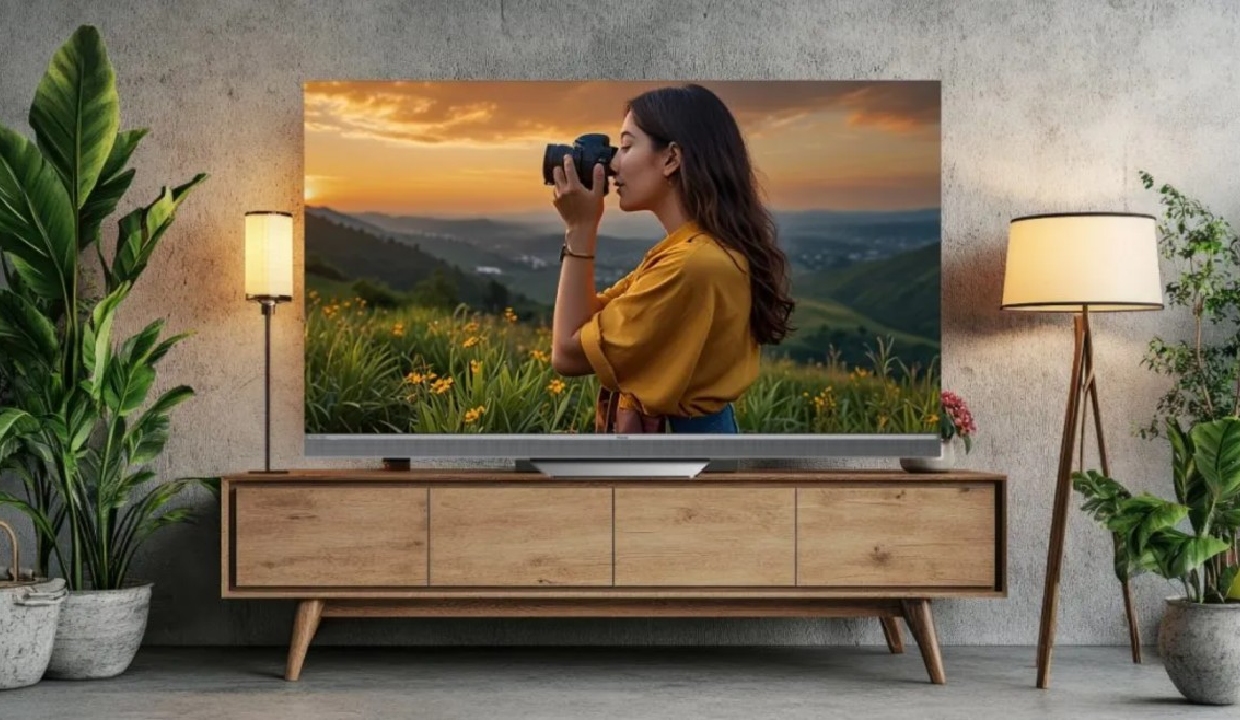
Most 75-inch TVs need a few simple adjustments to deliver their best picture at home. Compare top 75-inch TVs and bring one home on Easy EMI with Bajaj Finance.
If your 75-inch TV looked better in the store than it does at home, that is completely normal. Most TVs are set to showroom modes designed for bright retail lighting, not for living rooms. The boosted brightness, oversaturated colours, and excessive sharpening that make a screen stand out in a store can make films look harsh, sport appear overly processed, and OTT content lose its natural look. The good news is that these five adjustments take just ten minutes and can noticeably improve the picture quality of any 75-inch TV.
Once you know how to get the best picture from a large screen, upgrading to a 75-inch TV becomes even more worthwhile. Bajaj Finance makes that upgrade more accessible with an Easy EMI Loan and limited-time offers at partner stores. Browse models on Bajaj Mall and visit any of the 1.5 lakh+ partner stores across 4,000+ cities. With an Easy EMI Loan of up to Rs. 5 lakh and repayment tenures of 3 to 60 months, you can split the cost into manageable monthly instalments. Select models also come with a zero down payment offer.
Five tips to improve picture quality on a 75-inch TV in 2026
These five simple adjustments can make films, sport, and gaming look noticeably better on any large-screen TV, including a 75-inch OLED TV.
Tip 1: Start with Movie or Filmmaker Mode
On a 75-inch screen, excessive brightness and overprocessed colours are easier to spot. Movie, Cinema, or Filmmaker Mode turns off unnecessary processing and delivers a more natural picture. Vivid and Dynamic modes are meant for showrooms.
How to activate:
- Go to Settings → Picture → Picture Mode
- Select Movie, Cinema, or Filmmaker Mode
- Watch familiar content before making further changes
Tip 2: Reduce sharpness and turn off noise reduction for 4K content
Higher sharpness does not add detail. It creates halos around faces and text, while heavy noise reduction removes texture from good-quality 4K content.
How to adjust:
- Reduce sharpness to 0–20
- Set Noise Reduction to Off or Low for 4K content
- Use light noise reduction only for older or low-resolution sources
Tip 3: Switch to a warmer colour temperature
Most TVs use a cool colour setting because blue-tinted whites look brighter in stores. At home, this makes skin tones appear unnatural. A warmer setting delivers more accurate colours.
How to adjust:
- Go to Picture Settings → Colour Temperature
- Change Cool or Standard to Warm
- Compare Warm 1 and Warm 2 if available
Tip 4: Adjust panel brightness for your room
If the picture looks dim, avoid increasing the Brightness control. On most TVs, it raises black levels instead of adding light.
How to find it:
- Look for Backlight, Panel Brightness, OLED Light, or OLED Pixel Brightness
- Increase it for daytime viewing and reduce it at night
- Lower Contrast if bright details disappear
Tip 5: Set the right viewing distance and angle
A 75-inch TV needs more space than many buyers expect. Sitting too close can cause eye strain, while sitting too far reduces the impact of 4K resolution.
What to aim for:
- Sit about 9 to 11 feet from the screen
- Keep seating within 30 degrees of the screen centre
- Position the TV at seated eye level
Top-selling 75-inch TVs to buy in India in July 2026
From a budget Xiaomi QLED to a premium Samsung QLED, here are the best-selling 75-inch TVs:
|
Model |
Panel |
Price* |
EMI starting from* |
Best For |
|---|---|---|---|---|
|
Xiaomi X Pro 75 inch QLED |
QLED |
Rs. 69,999 |
Rs. 5,499/month |
Budget QLED, large screen |
|
Intex LED-GQ7511 75 inch QLED |
QLED |
Rs. 90,890 |
Rs. 4,546/month |
Budget QLED, smart TV |
|
Haier 75S800QT-P 75 inch QLED |
QLED |
Rs. 1,21,000 |
Rs. 5,326/month |
Mid-range QLED |
|
TCL 75C2US 75 inch LED |
LED |
Rs. 1,59,990 |
Rs. 11,083/month |
Mid-premium 4K smart TV |
|
LG 75UQ8040PSB 75 inch LED |
LED |
Rs. 1,65,890 |
Rs. 13,824/month |
LG smart TV, premium |
|
Samsung QA75Q60DAUXXL 75 inch QLED |
QLED |
Rs. 1,96,965 |
Rs. 6,741/month |
Premium QLED, Tizen |
Disclaimer: EMIs and prices may vary by partner store, offer period, location, and variant. Please check the latest information at the partner store before purchase.
Limited time offers on LED TVs
Once you have shortlisted a TV, check the latest brand offers available at Bajaj Finance partner stores:
|
Brand |
EMI starting from |
Discount |
Price range |
|---|---|---|---|
|
LG |
Rs. 1,287/month |
Up to 55% Off |
Rs. 15,500 – Rs. 7,51,300 |
|
Samsung |
Rs. 647/month |
Up to 35% Off |
Rs. 10,500 – Rs. 9,87,000 |
|
Sony |
Rs. 720/month |
Up to 50% Off |
Rs. 11,600 – Rs. 8,79,900 |
|
Haier |
Rs. 1,125/month |
Up to 30% Off |
Rs. 13,500 – Rs. 4,20,000 |
Terms and conditions apply. Check with your store for details.
How to buy a 75-inch TV from Bajaj Finance partner stores
Bajaj Finance makes it straightforward to bring home the right 75-inch TV. Follow these steps to get started:
- Browse and compare online: Explore 75-inch TV models on Bajaj Mall and compare panel type, smart features, and display before visiting a store.
- Visit partner stores: Check shortlisted models at Bajaj Finance partner stores and get expert guidance from in-store representatives.
- Opt for Easy EMI Loan: Finance up to Rs. 5 lakh with tenures of 3 to 60 months. Zero down payment available on select models.
- Check eligibility online: Verify your pre-approved limit using your mobile number and OTP.
- Use the Insta EMI Network Card: Existing cardholders can convert purchases into EMIs instantly through a paperless process.
From finding the best picture settings to comparing the top 75-inch QLED TVs in 2026, Bajaj Finance makes bringing home your preferred 75-inch TV more affordable.